Showing posts with label navigation. Show all posts

Friday, June 29, 2012

Parallel Browsing Across Categories

Amazon Windowshop has an interesting solution for allowing browsing products within a specific category and across related categories. Categories are listed on the top of the main screen, and products are listed below each category. Vertical scrolling is more convenient than horizontal scrolling and this arrangement makes it easy to browse products from multiple categories at once. Amazon cleverly arranges related categories next to each other, for a more effective parallel browsing experience.

Tapping on any of the top level category drills down to subcategories. The example below display the subcategory for Electronics.

When searching for an item, all categories that contains search result will display and user may drill within the filter categories.

The example below show the results for the search term "canon 50mm", after drilling to the Lens subcategory.
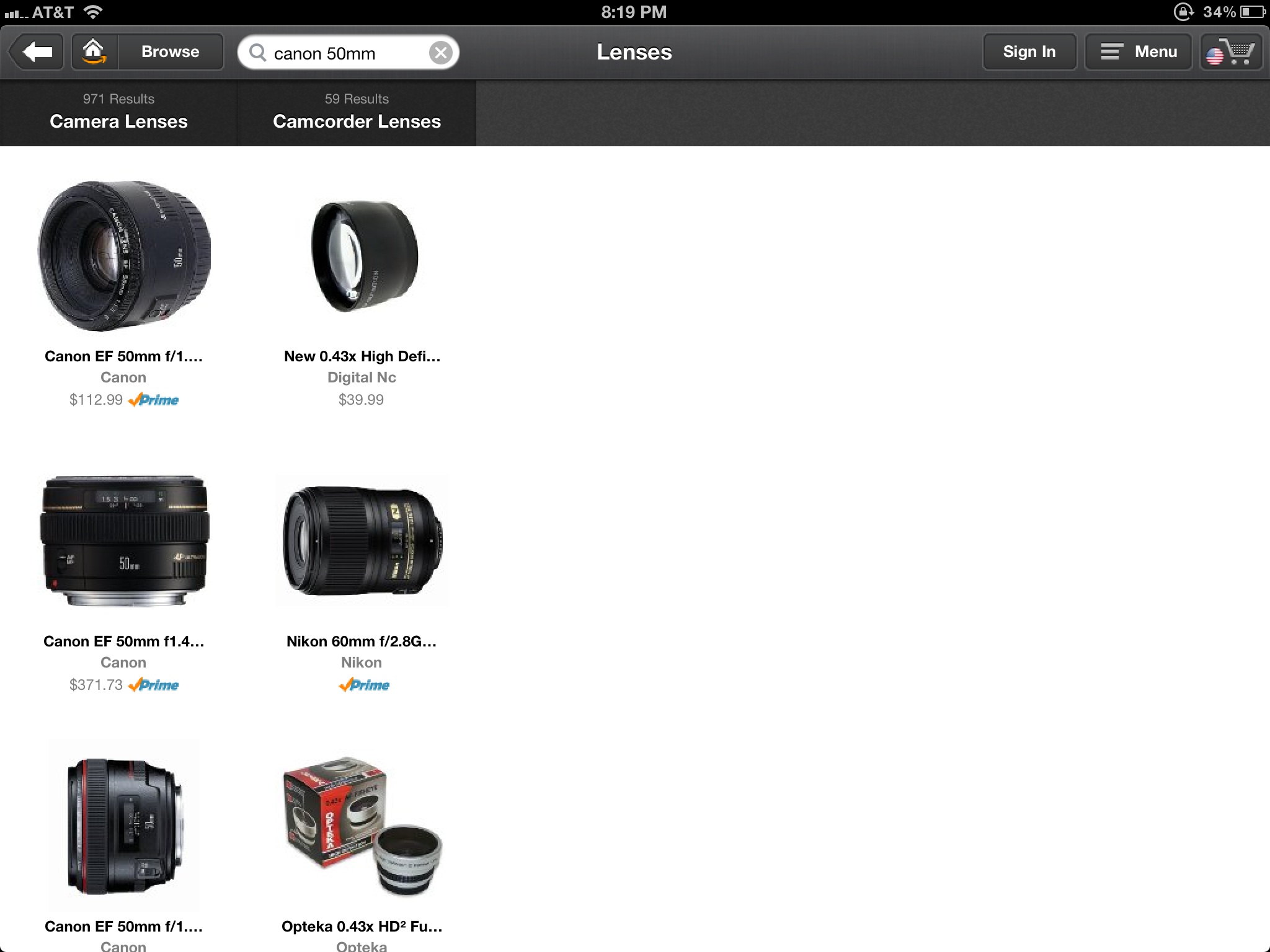
Tapping on any of the product reveals its details. When in this view user can easily browse details for all products in that category, by tapping on the arrow navigation on the bottom.

Amazon navigation is very clever and fun to use, enabling parallel browsing within multiple categories. You can view this short movie where I capture the interaction with this app.

Tuesday, May 15, 2012

Searching, Browsing and Serendipity Discover

In the last few years I participated to many discussions about browsing versus searching. I am personally more inclined to search than browse, but recently I am fascinated by a new emerging modality of information seeking: serendipity discovery. There are a number of applications that enable this type of discover. Some applications, as Pandora or StumbleUpon, allow users to discover information they may like using peer-sourcing and social-networking principles.
Other applications, as Aweditorium make the discover a fun engaging experience. While user is getting lost playing with the interface, they may stumble on something of actual interest.


Last week, while I was attending CHI 2012, I was intrigued by a presentation that was exposing this same principle: The Bohemian Bookshelf Supporting Serendipitous Discoveries through Visualization. Below a video which illustrates the idea.


- Posted using BlogPress from my iPad

Saturday, May 5, 2012

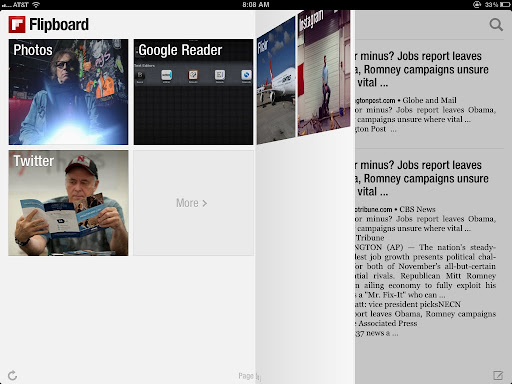
Elegant layout and amazing browsing experience with Flipboard

Flipboard has one of the most elegant layout and browsing experience of any other app I tried.


I was amazed how information looks more interesting when laid out in a tabloid format rather that in a table. 


Most of the magic is in the interaction. The transition between pages simulates flipping the pages of a book.


I suggest watching this video to get a sense for yourself.

Thursday, May 3, 2012

Layered navigation: an emerging design pattern

Layered panels to represent navigation to previous levels. This is one of the design pattern that seem to be emerging on the iPad platform. On the bottom layer user can pick different list to  view (e.g. timeline, mentions etc.)


It is interesting how the bottom layer minimizes to display the icons only when the third layer is opened.


Middle layer displayed a list of entry, while the top layer display the content of one of the entry. You can move the the detail top layer a little bit to the right to get a better view of the list view

Tuesday, May 1, 2012

Visual Tabs Browsing in Windows 8

I am a visual person and I love when designer replace text with an image of the actual thing. How about getting back to a browser tab by selecting the view of the page that you want to keep reading.
In the Metro Style Browser in Windows 8 displays the open tabs with a list of thumbnail of the page in a bar on top. The bar doesn't show up and take additional space, unless you tap on the top portion of the screen.


In which case the bar appears temporarily as on overlay over the browser.

Twitter Facebook Google Plus Stumbleupon RSS Feed

 
Design by Free WordPress Themes | Bloggerized by Lasantha - Premium Blogger Themes | Best Web Hosting Coupons